

Export diagrams
Draw a View as a picture, styled like the viewer: SVG for docs and wikis, PNG for slides and chat.
Before you start
Section titled “Before you start”archidocs checkpasses on the Workspace. See the Quick start.- You know the View’s id: a Generated View such as
c2, or a Saved View’s Qualified id. See Views.
1. Export one View
Section titled “1. Export one View”Name the View:
archidocs export c2Wrote c2.svgAdd --format png for a PNG, and --out to choose the file:
archidocs export payments:make-a-payment --format png --out make-a-payment.pngWrote make-a-payment.pngThe viewer also downloads the View on screen as SVG or PNG. Use export when the picture should be rebuilt from the Model, in CI or a docs build.
2. Export every Saved View
Section titled “2. Export every Saved View”archidocs export --all-saved --out viewsWrote views/digital-mainframe-outage.svgWrote views/digital-prod-deployment.svgWrote views/digital-sign-in.svgWrote views/digital-sign-in-path.svgWrote views/payments-make-a-payment.svgEach file is named by the View id, with : and / turned into -. The Action’s images input publishes the same files. See Publish Saved View images.
3. Style it
Section titled “3. Style it”Add the flags the picture needs. For a dark slide, draw it in the viewer’s dark palette, laid out left to right:
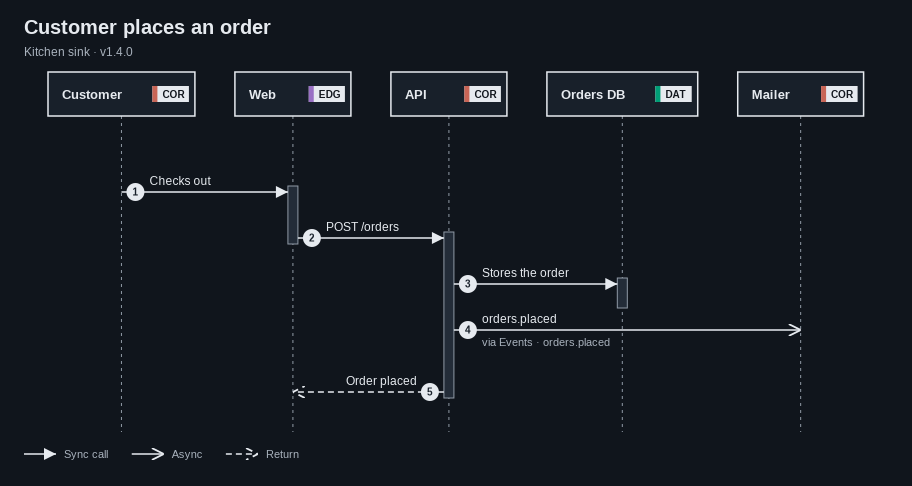
archidocs export c2 --theme dark --direction LR --out c2-dark.svgWrote c2-dark.svgEvery flag, such as --label for the line under the title, is in the archidocs export reference.
Check it worked
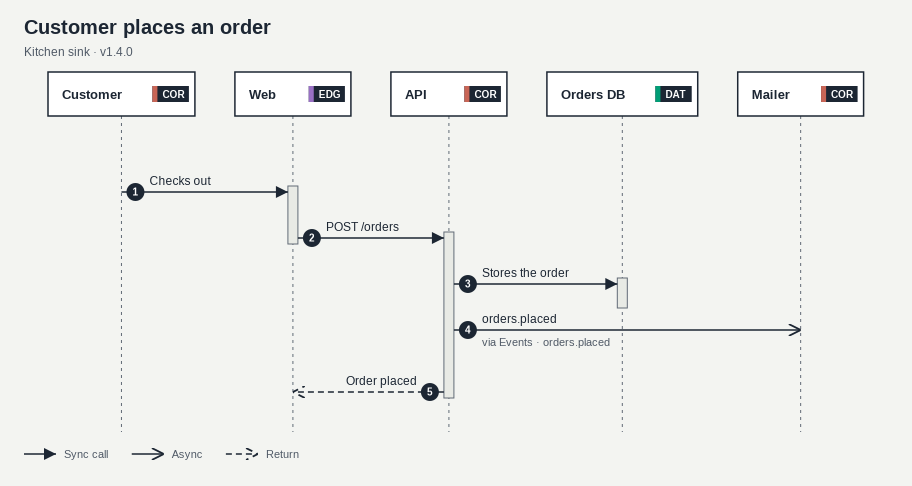
Section titled “Check it worked”Open the file. It shows the View as the viewer draws it, such as this Dynamic View of the Kitchen sink:
If it didn’t
Section titled “If it didn’t”export stops when the id names no View:
archidocs: Unknown View "nope"; Views are c1, c2, c2/<system>, c3/<service with Components>, deployment/<environment> and Saved Views (project:view-id).Check the id. A Saved View needs its Project, as payments:make-a-payment.
Related
Section titled “Related”Documents the beta branch at cd98671, ahead of the latest release, v1.4.0.