

See where a Service runs
See where a Service is deployed in each Environment, and copy its URL there.
Before you start
Section titled “Before you start”- You have a viewer open. See Find an Element.
- The Service has Deployments in the Model. See Add Deployments.
1. Ask where it is deployed
Section titled “1. Ask where it is deployed”Select the Service. Under Where is it deployed? in its Element panel, select an Environment.
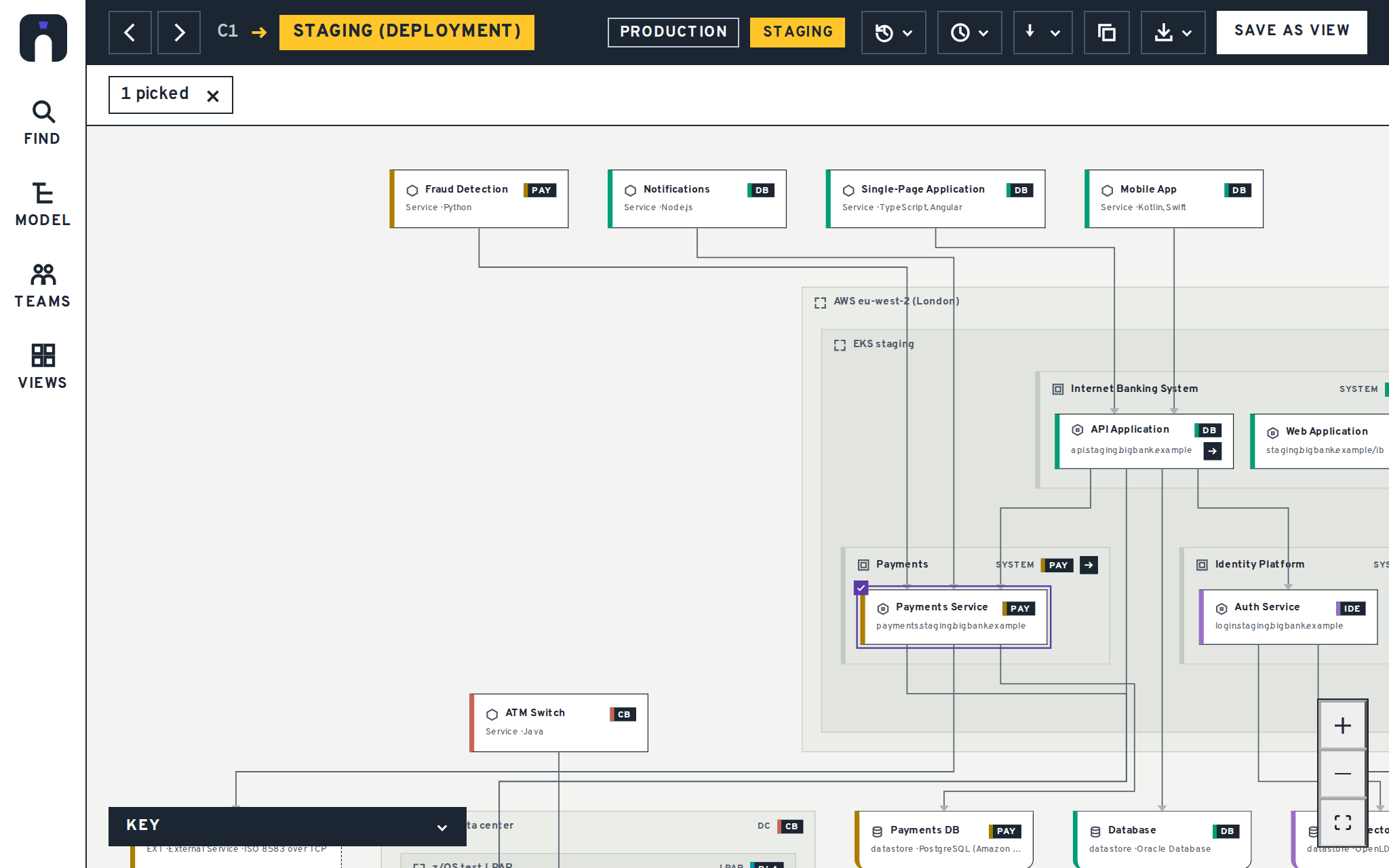
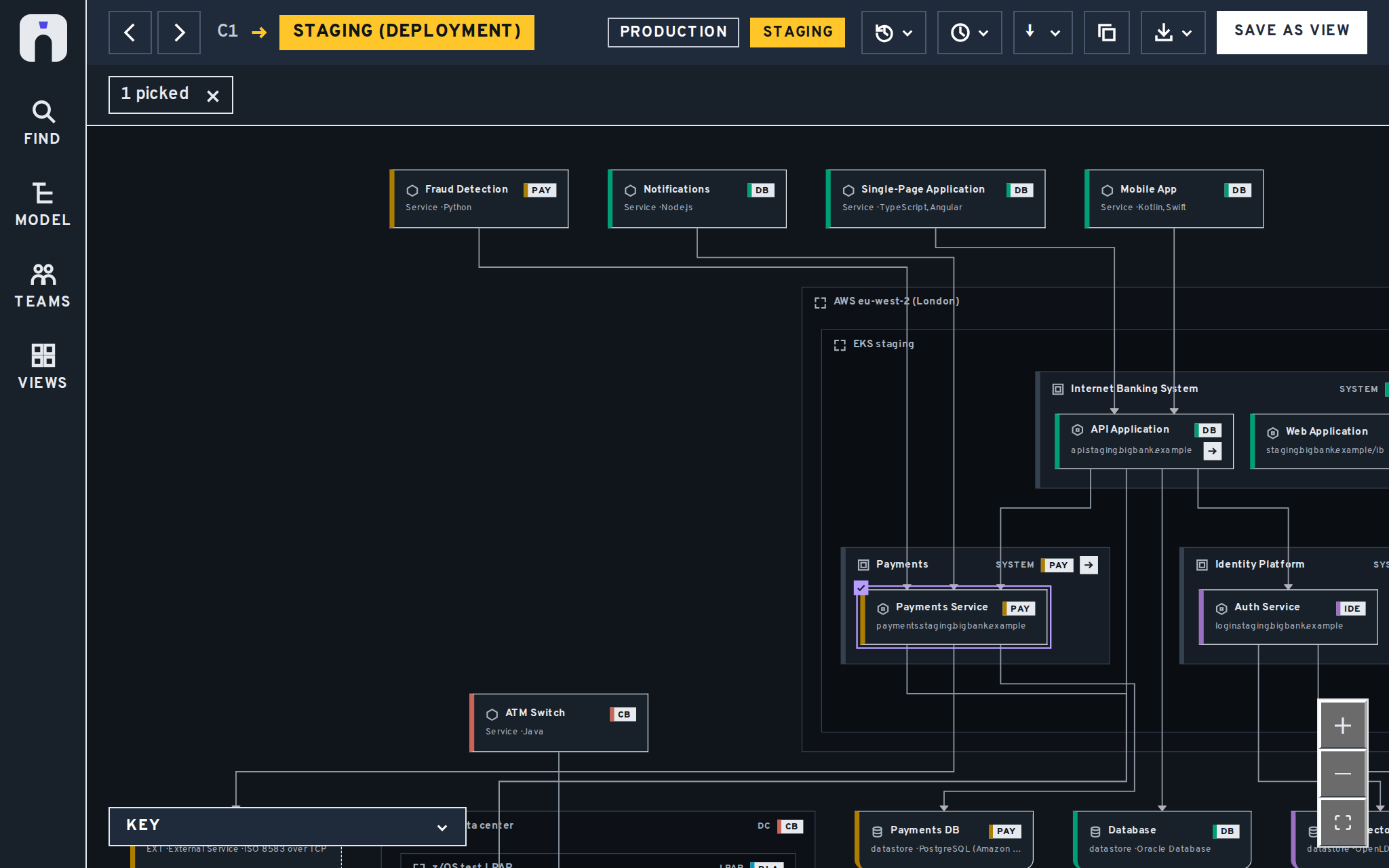
The viewer opens that Environment’s Deployment View, which draws every Deployment on its Deployment Target. The Service’s Deployments are picked:
2. Copy its URL
Section titled “2. Copy its URL”Select the URLs tab of the Element panel. It lists each Environment the Service runs in, with its Deployment Target and URL. Select Copy beside a URL.
3. Browse an Environment
Section titled “3. Browse an Environment”The location bar has one button per Environment, such as Production and Staging. Each opens that Environment’s Deployment View, with nothing picked.
Check it worked
Section titled “Check it worked”The location bar names the Deployment View and shows a picked chip. The picked box carries the Service’s URL in that Environment. On the demo, the Payments Service in Staging ↗ runs on EKS staging.
If it didn’t
Section titled “If it didn’t”Where is it deployed? says “Not deployed in any Environment.” The Model has no Deployment for the Service. Add one: see Add Deployments.
The URLs tab says “No URL” under an Environment. The Deployment has no url in the Model.
With an agent
Section titled “With an agent”Ask “Where is the Payments Service deployed, and at which URL?”. get_deployments answers it for every Environment, or for one.
Related
Section titled “Related”Documents the beta branch at cd98671, ahead of the latest release, v1.4.0.