

Compare two Revisions
See how the system has changed between two Revisions, commits that changed the Model, and read the decisions behind an Element.
Before you start
Section titled “Before you start”- You have a published viewer open, such as the Big Bank demo ↗.
archidocs devshows only the working tree. See Publish to GitHub Pages.
1. Open a past Revision
Section titled “1. Open a past Revision”Open Revisions in the location bar. It lists each Revision with its commit, message, date and how many Changes it made. Select Open to see the whole viewer as it was then.
A banner names the Revision. Select Back to latest to leave it.
2. Compare it with the latest
Section titled “2. Compare it with the latest”In Revisions, select Compare beside the older Revision. The diagram marks what was added, removed and changed since, and the Changes list beside it names each one:
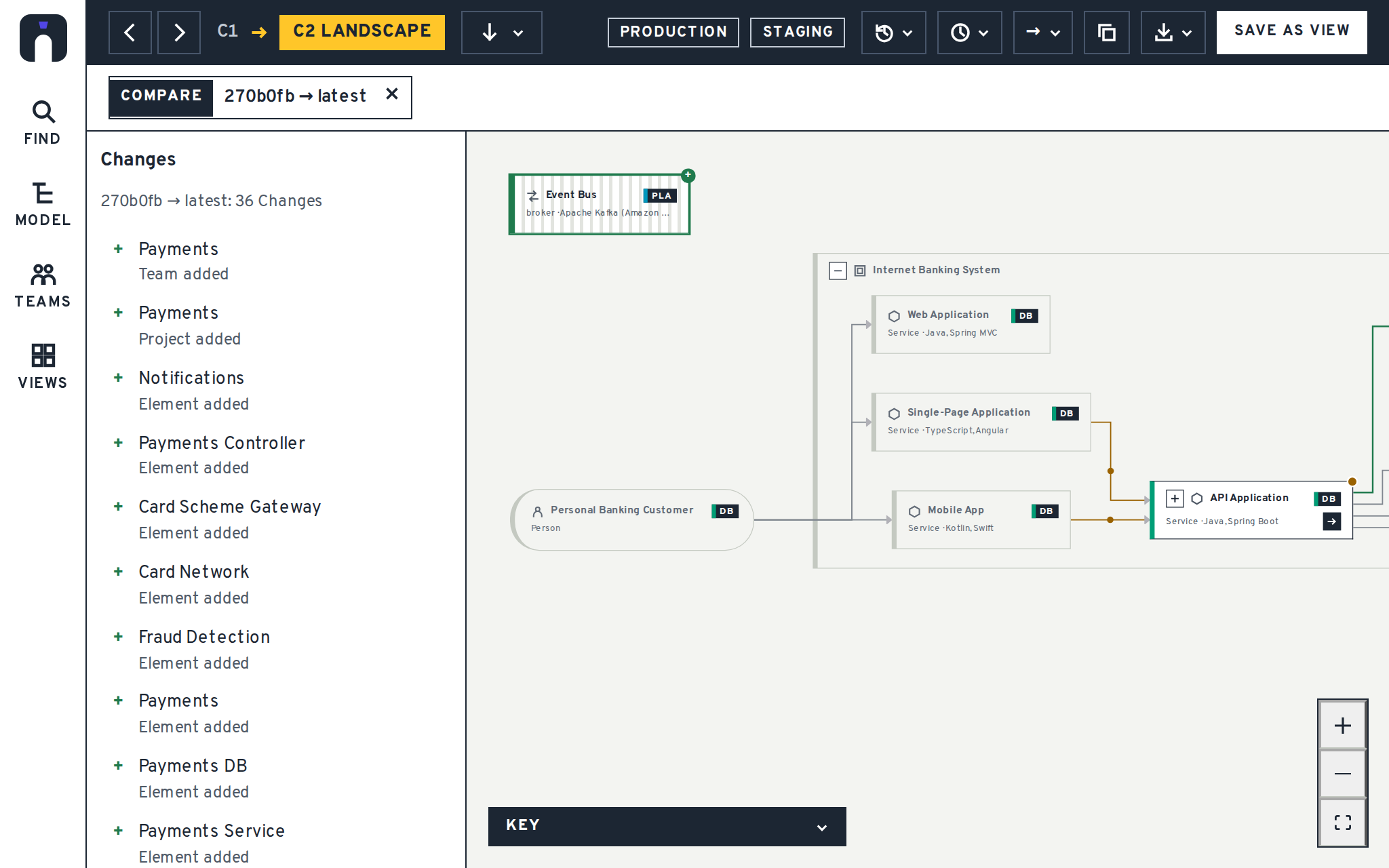
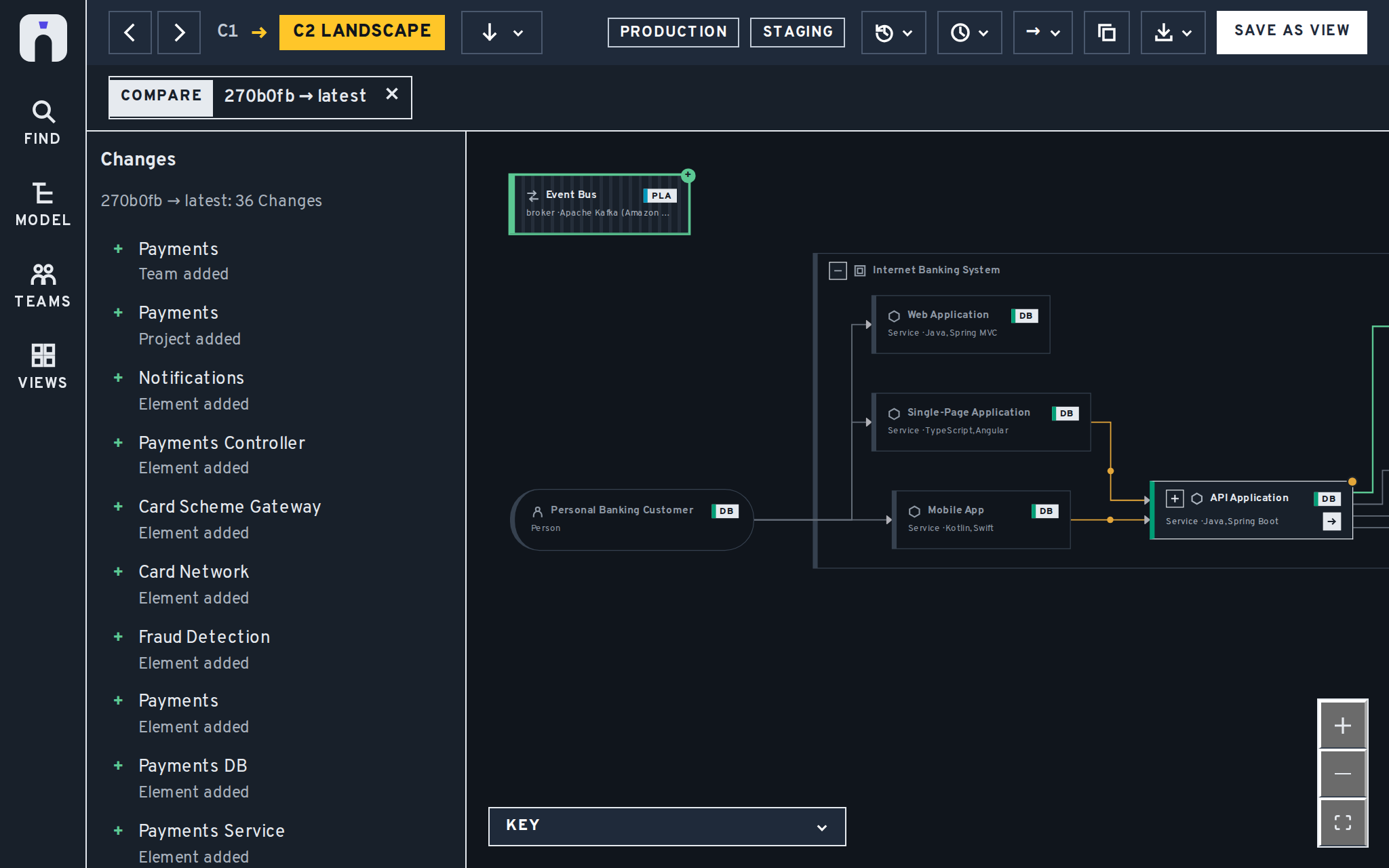
Select a Change to find it on the diagram. To compare two past Revisions, open the newer one first, then compare it with the older one.
The History tab of an Element panel lists only the Revisions that changed that Element, each with Compare.
3. Read the decisions behind an Element
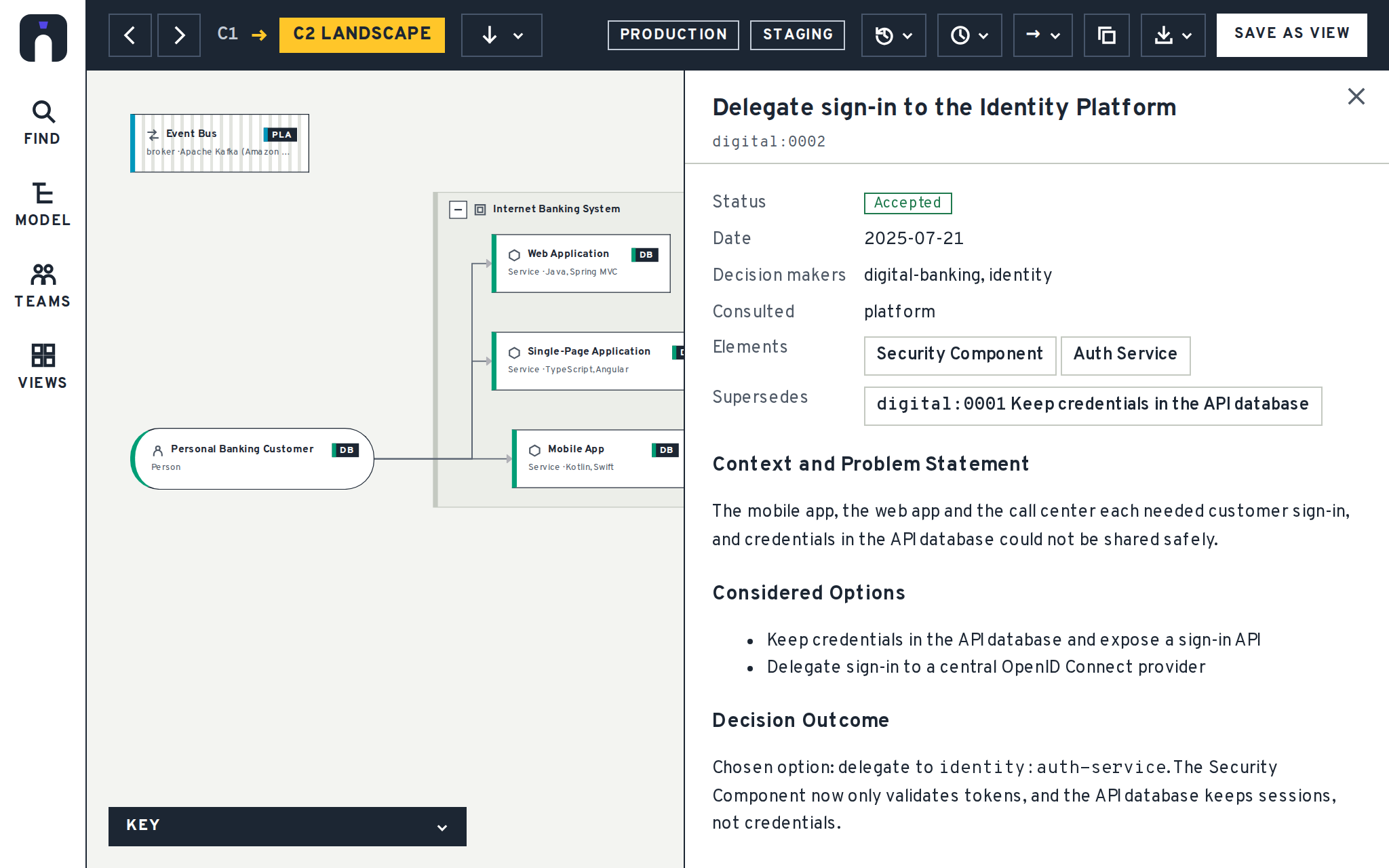
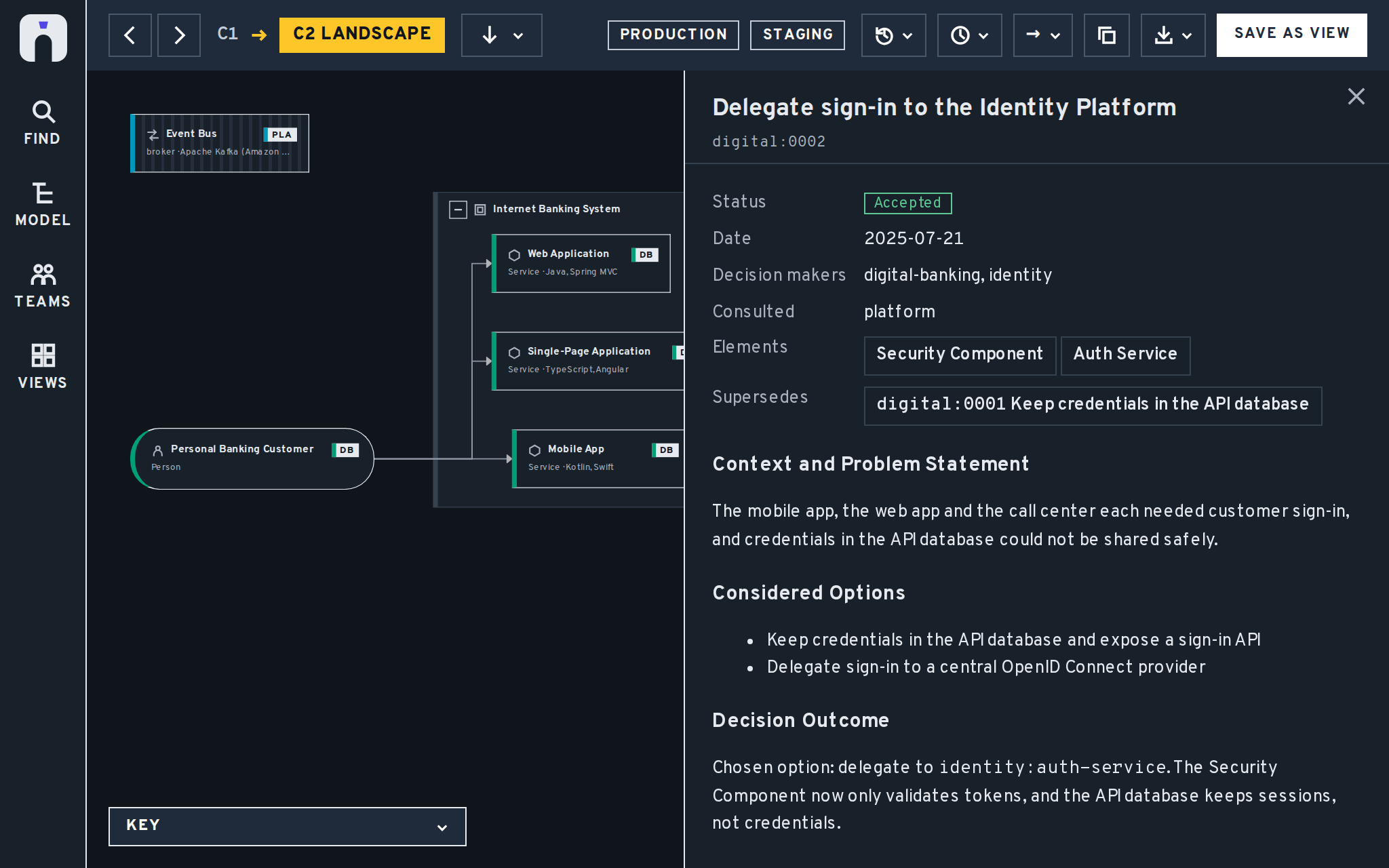
Section titled “3. Read the decisions behind an Element”Select the Element, then the ADRs tab of its Element panel. It lists the ADRs, the decision records, that link it or anything inside it. Select one to open it in the ADR reader:
Check it worked
Section titled “Check it worked”The location bar shows a Compare chip with both Revisions, and the address ends in vs= and the older one. On the demo, Compare against 21 July 2025 ↗ marks Payments and the Card Network as added.
If it didn’t
Section titled “If it didn’t”The History tab says “This site has no history.” The site was built from a clone without the git history. Build it from a full clone: see Revisions and history.
The viewer shows history_unavailable. The site keeps a whole Workspace Bundle only for its latest Revisions and every tag. Compare the two commits on a Workspace checkout with diff, or ask the MCP server. A past Bundle in a format this viewer can’t read gives history_unavailable too. Rebuild the site with the current Archidocs.
The viewer lists several Revisions to pick from. The link’s at or vs is a short sha that starts more than one Revision’s sha. Pick one, or use more of the sha.
With an agent
Section titled “With an agent”Ask “What changed in the Model since 21 July 2025?”. get_changes answers it, and list_history lists the Revisions.
Ask “Which decisions sit behind the Auth Service?”. list_adrs answers it, and get_adr returns one ADR.
Related
Section titled “Related”Documents the beta branch at cd98671, ahead of the latest release, v1.4.0.